
cPanel vs Plesk comes down to your server and the way you work. cPanel is the better fit for Linux shared, reseller and cPanel VPS hosting, with tools most hosts and developers already know. Plesk is the better fit if you need Windows servers, built-in Docker support or a dashboard organized around websites.
This comparison is for site owners, agencies and developers choosing a control panel for a VPS or a new hosting plan. You will see how the two panels differ in ease of use, features, security, licensing and migration, and which one suits your setup.
Key takeaways
- cPanel runs only on Linux; Plesk runs on Linux and Windows Server.
- cPanel licenses are counted by cPanel accounts; Plesk editions are counted by domains.
- Both manage email, DNS, databases and SSL, and both offer WP Toolkit for WordPress.
- Plesk has Docker and Git extensions; cPanel is the common choice for shared and reseller hosting.
- Plesk Migrator imports cPanel accounts; moving from Plesk to cPanel usually needs an assisted migration.
cPanel vs Plesk at a Glance

Both panels manage websites, email, DNS, databases and SSL. The real differences in cPanel vs Plesk are operating systems, licensing and developer tools.
| Feature | cPanel | Plesk |
| Operating systems | Linux only | Linux and Windows Server |
| Dashboard | Tool grid for each account, plus WHM for the server | One dashboard organized around websites and subscriptions |
| License model | By number of cPanel accounts | By edition: up to 10 domains, up to 30 domains, or unlimited |
| WordPress tools | WP Toolkit | WP Toolkit (a lighter version in the entry edition) |
| Developer tools | Git Version Control, app support | Git and Docker extensions, Node.js |
| Hosting business | WHM reseller accounts, widely used by hosts | Customer and reseller management, depending on edition |
| Migration | Transfers between cPanel servers | Plesk Migrator imports cPanel accounts |
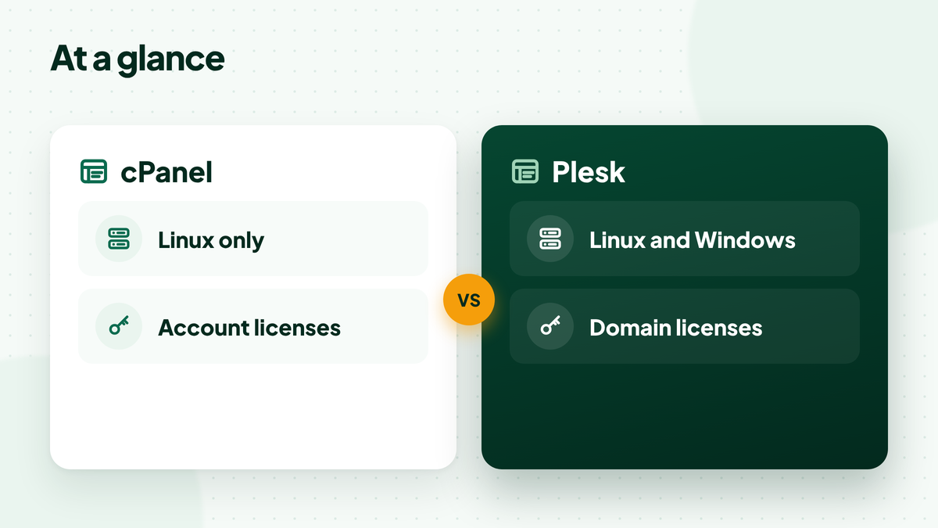
The two differences that decide most choices: operating system and license model.
What Is cPanel and Who Is It For?
cPanel is a Linux control panel that gives each hosting account its own dashboard, while WHM (Web Host Manager) manages the server and every account on it. It is the most common panel on shared and reseller hosting, so most hosting tutorials, plugins and support teams assume it.
cPanel suits site owners who want familiar tools, agencies that host many client accounts, and hosting resellers. Its license is counted by accounts, which our guide to cPanel license limits explains in detail.
What Is Plesk and Who Is It For?
Plesk is a control panel for Linux and Windows servers that groups everything around websites and subscriptions in a single dashboard. It comes in three editions: Web Admin for up to 10 domains, Web Pro for up to 30 domains, and Web Host for unlimited domains, as listed on the official Plesk editions page.
Plesk suits teams that run Windows or ASP.NET sites, developers who want Docker containers next to their websites, and agencies that like managing client sites from one website-focused screen. You can compare the Plesk editions on the Plesk site.
Which Is Easier to Use?
Both panels are easy enough for everyday tasks such as creating a mailbox or adding a domain. cPanel feels familiar because most hosting guides use it, while Plesk’s dashboard feels more modern and puts each website’s tools in one place.
If you will follow tutorials or hire freelancers, cPanel saves time because more people know it. If you manage many sites for clients and prefer one screen per website, Plesk can feel tidier.
How Do cPanel and Plesk Features Compare?
In the cPanel vs Plesk feature race, the core tools are close, and the gaps show up in WordPress editions and developer tools.
WordPress management
Both offer WP Toolkit for installing, updating, cloning and staging WordPress sites. In Plesk, the entry edition includes a lighter version, and the full toolkit comes with the higher editions.
Developer tools
Plesk offers Docker and Git through extensions, so you can run containers and deploy from a repository in the same panel. cPanel includes Git Version Control and support for applications, but Docker is not a standard cPanel feature; on a VPS you would run it outside the panel.
Email, DNS and databases
Both panels handle mailboxes, forwarders, spam filtering, DNS zones, MySQL or MariaDB databases and phpMyAdmin. Plesk can also add PostgreSQL and Microsoft SQL Server support, which matters for some Windows and enterprise applications.
Which Is More Secure?
On security, the cPanel vs Plesk question has no single winner: neither panel is more secure by default, because security depends on updates, configuration and the server’s firewall. Both support two-factor login, a web application firewall through ModSecurity, brute-force protection (cPHulk in cPanel, Fail2ban in Plesk) and free SSL certificates that renew automatically.
On a VPS, the operating system and firewall matter as much as the panel. Keep the panel and server packages updated, limit SSH access, and use strong passwords with two-factor login for every admin account.
How Does cPanel and Plesk Licensing Work?
Both are paid software, and the license model is the biggest practical difference between them.
- cPanel counts cPanel accounts. The tiers are Solo (1 account), Admin (up to 5), Pro (up to 30) and Premier (100, with more accounts added as needed).
- Plesk counts domains per edition: Web Admin (up to 10), Web Pro (up to 30) and Web Host (unlimited).
On shared and reseller hosting, the license is part of the plan, so you never buy it yourself. On a VPS, you either buy a license or pick a plan that includes one. If you are unsure which suits you, compare cPanel hosting vs WordPress hosting before you commit to a server.
Can You Move Between cPanel and Plesk?
Yes. Plesk Migrator imports accounts from cPanel servers, moving service plans, subscriptions, websites, mail and databases, as the Plesk migration guide describes. Moving from Plesk to cPanel is usually a manual or host-assisted migration of files, databases and email.
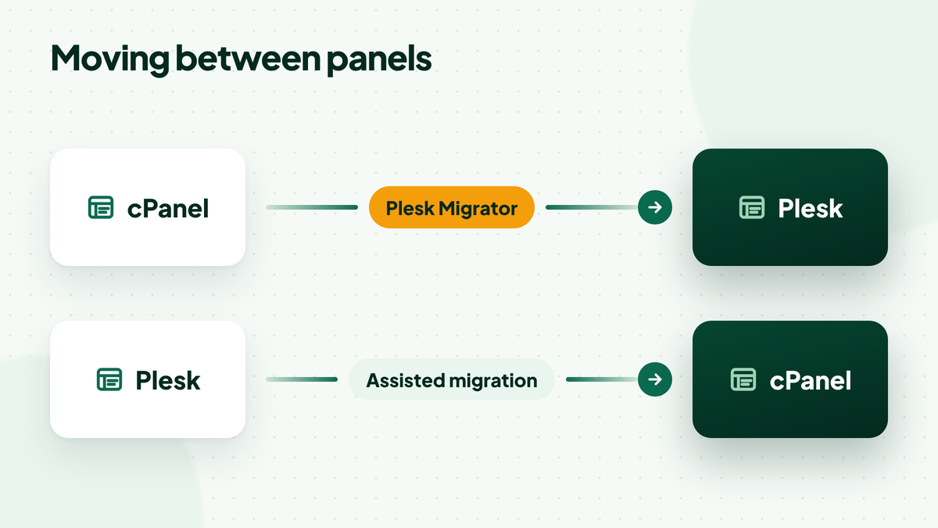
Plesk can import cPanel accounts; the other direction is usually assisted.
If you are switching to cPanel, HostElevate offers free website migration, so your sites, databases and mailboxes move without you rebuilding them by hand.

cPanel vs Plesk for a VPS
On a VPS, cPanel vs Plesk is mostly a question of operating system, how many sites you host and who will manage the server.
On a Linux VPS that hosts several client sites, cPanel and WHM give each client a separate account with its own limits, which keeps sites apart and makes billing simple. A Plesk VPS fits when you need Windows, or when you run a few projects side by side with containers. On either panel, size the server for your busiest site and keep backups outside the panel as well.
If you lean toward cPanel, read what to check before choosing a cPanel VPS so the server fits your sites from day one.

Which Should You Choose: cPanel or Plesk?
Choose cPanel if you want the most widely supported panel on Linux, and choose Plesk if you need Windows, Docker or a website-first dashboard.
- Choose cPanel for shared hosting, reseller hosting, a cPanel VPS, or if your team and tutorials already use it.
- Choose Plesk for Windows or ASP.NET sites, Docker-based apps, or managing client sites from one screen per website.
- Either works for standard WordPress, WooCommerce and PHP sites, so pick the one your team knows.
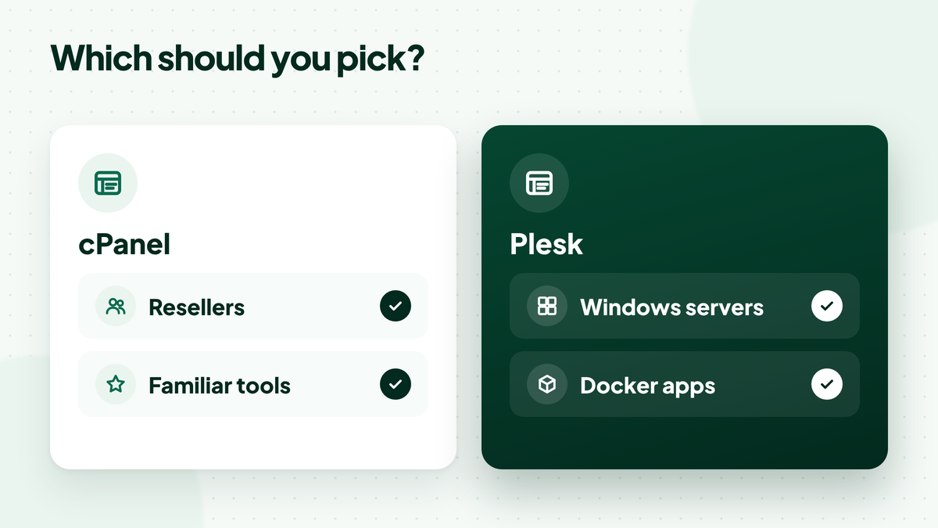
Pick the panel that matches your server and your team.
Running more than one client site on cPanel? Our guide on how reseller hosting works shows how WHM separates each client account.
Frequently Asked Questions
Is cPanel better than Plesk?
Neither is better for everyone. cPanel is the stronger choice for Linux shared, reseller and cPanel VPS hosting, while Plesk is better for Windows servers, Docker workflows and agencies that like its website-based dashboard.
Can Plesk run on Windows?
Yes. Plesk is available for Linux and Windows Server, which makes it the usual choice for ASP.NET sites. cPanel runs only on Linux, as its system requirements show.
Is Plesk easier than cPanel for beginners?
Many beginners find the Plesk dashboard tidier, but cPanel is easier to get help with because most hosting guides are written for it. Both cover everyday tasks without technical skills.
Can I switch from Plesk to cPanel?
Yes. Moving from Plesk to cPanel is usually a manual or host-assisted migration of files, databases and email, because Plesk Migrator only works in the other direction. Many hosts, including HostElevate, migrate websites for free.
Do both panels support WordPress?
Yes. Both offer WP Toolkit for installing, updating and cloning WordPress sites, and both run WooCommerce. The entry edition of Plesk includes a lighter version of WP Toolkit.
cPanel or Plesk:
The cPanel vs Plesk choice is less about which panel is better and more about where your sites run and who manages them. Pick cPanel for Linux hosting that most people know, and Plesk for Windows or container-heavy work. If you want cPanel and WHM on your own server with full root access, firewall and DDoS protection, and the license included, see HostElevate cPanel VPS hosting.