
Yes, cPanel hosting for ecommerce works well for most new and growing online stores. It gives you one dashboard for SSL, email, files, databases and backups, and it runs WooCommerce, PrestaShop and OpenCart without special setup. Busy stores eventually need more resources, which usually means a cPanel VPS.
This guide is for store owners and developers choosing hosting for a new shop or moving an existing one. You will learn what a store needs from its hosting, where shared cPanel hosting works and where it struggles, how secure it is for payments, and how to set up a store the right way.
Key takeaways
- cPanel hosting suits most new stores: one dashboard covers SSL, email, databases, files and backups.
- Check the PHP version, memory, backups and email setup before you launch, not after.
- Cart, checkout and account pages must never be cached.
- Use a payment gateway that keeps card details off your server to keep your PCI scope small.
- Move to a cPanel VPS when traffic peaks, slow checkouts or resource limits start to cost you sales.
What Is cPanel Hosting for Ecommerce and Why Does It Matter?
cPanel hosting for ecommerce is a hosting plan managed through cPanel that runs an online store application such as WooCommerce, PrestaShop or OpenCart. The store software handles products, carts and orders, while cPanel handles everything around it: domains, SSL certificates, databases, email and backups.
It matters because a store has less room for mistakes than a blog. A slow checkout or an expired certificate loses sales right away, and a missing backup can wipe out orders and customer records. Your control panel decides how quickly you can fix those problems yourself.
Is cPanel Hosting Good for an Online Store?
Yes. For stores that are starting out or growing steadily, cPanel hosting for ecommerce is a good fit. Its limits show up later, when traffic and order volume grow beyond what a shared account can handle.
Where cPanel hosting for ecommerce works well
- One login for the domain, SSL, email, databases and files.
- Familiar tools: most developers and agencies already know cPanel, so help is easy to find.
- Simple setup for PHP stores, with a choice of PHP version for each site.
- Backups you can download yourself, alongside the host’s scheduled backups.
- Email on your own domain for order confirmations and customer support.
Where it starts to struggle
Shared cPanel hosting splits CPU and memory between many accounts, so each account has resource limits. A store feels this first during sales and campaigns, when many shoppers reach the uncached checkout at the same time. Large catalogs, heavy product filters and Magento stores also need more resources than a shared plan provides.
Which Store Platforms Run on cPanel Hosting?

Most PHP and MySQL store platforms run on cPanel hosting for ecommerce, and WooCommerce is the most common choice.
| Platform | Good fit on shared cPanel? | Notes |
| WooCommerce | Yes | Runs on WordPress and needs a current PHP version and enough memory |
| PrestaShop | Yes, for smaller catalogs | Needs PHP, MySQL and memory for its modules |
| OpenCart | Yes | Light and quick to set up on standard hosting |
| Magento Open Source | Usually not | Needs a search service and more resources, so it belongs on a VPS |
For WooCommerce, the WooCommerce server recommendations currently list PHP 8.3 or newer, MySQL 8.0 or MariaDB 10.6 or newer, a WordPress memory limit of at least 256 MB, and HTTPS support.
What Should cPanel Hosting for Ecommerce Include?
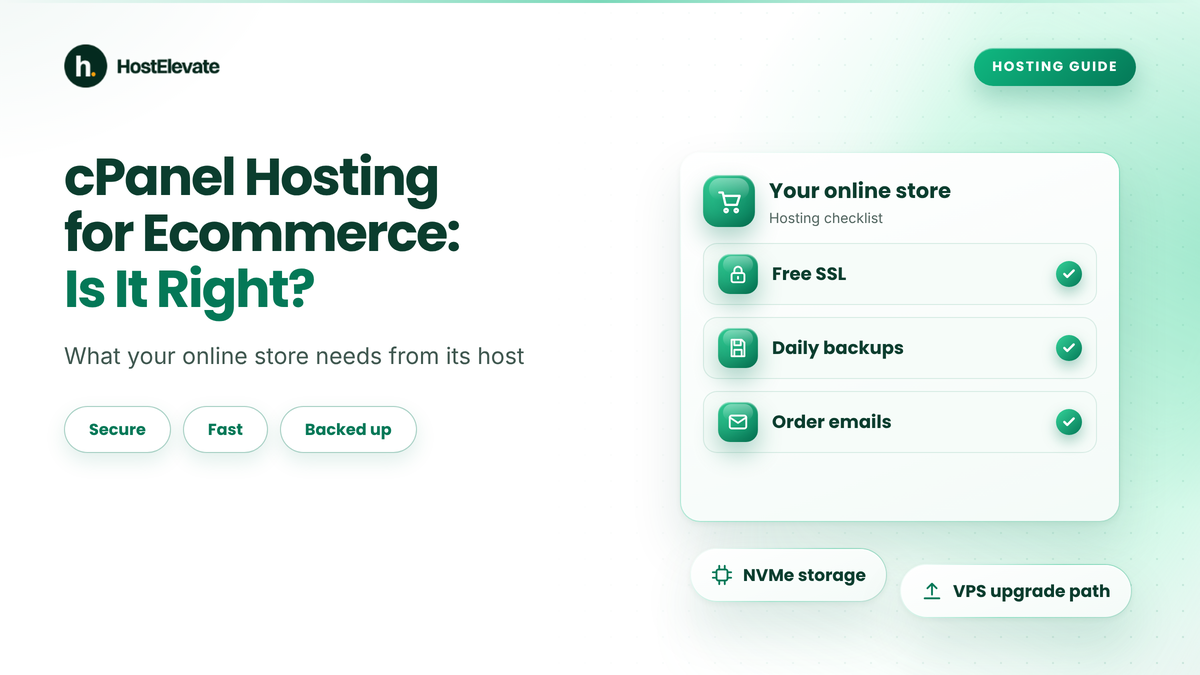
Good cPanel hosting for ecommerce includes free SSL, a current PHP version, enough memory, an uncached checkout, reliable backups and authenticated email.

| Requirement | Why your store needs it | What to check |
| SSL certificate | Shoppers and payment gateways expect HTTPS on every page | Free SSL that renews automatically |
| PHP version | Store plugins need current PHP for speed and security | PHP 8.3 or newer available in cPanel |
| Memory | Product, cart and order pages use more memory than blog posts | At least 256 MB for WordPress and WooCommerce |
| Checkout speed | Cart and checkout pages cannot be cached | A fast web server such as LiteSpeed and enough processes |
| Backups | Orders and customer data change every day | Daily backups and a restore you have tested |
| Order emails must reach the inbox | SPF, DKIM and DMARC records on your domain |
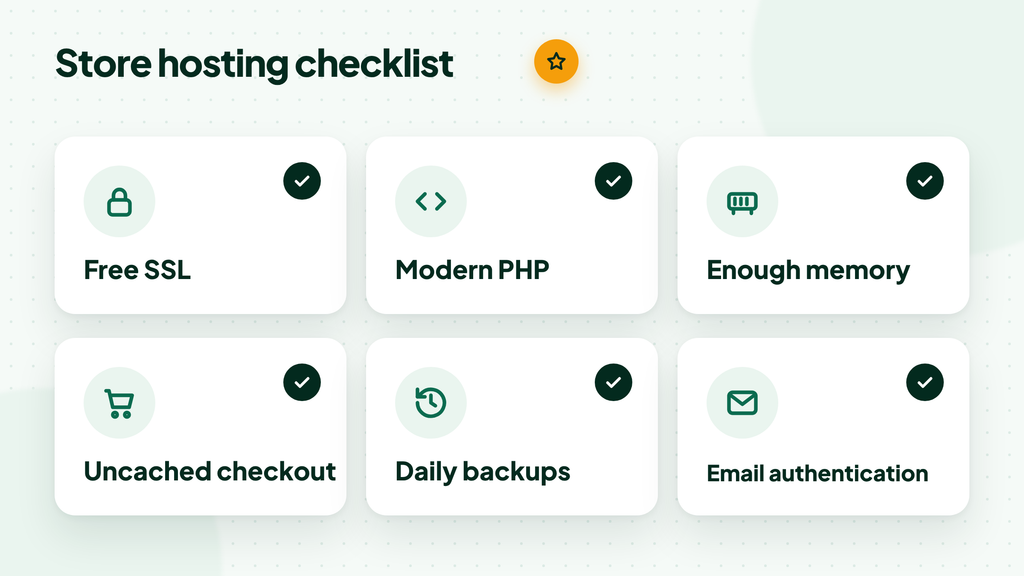
cPanel hosting for ecommerce checklist: free SSL, modern PHP, enough memory, uncached checkout, daily backups and email authentication
Six things to confirm before your store goes live.
Our guide to WooCommerce hosting requirements covers each point in more depth. For order emails, set up SPF, DKIM and DMARC before launch so confirmations do not land in spam.
How Secure Is cPanel Hosting for Ecommerce?
cPanel hosting for ecommerce can be secure enough for an online store when you combine the host’s server protection with good habits on your own account.
- Serve the whole store over HTTPS and redirect every HTTP request to HTTPS.
- Turn on two-factor authentication for cPanel and for your store admin.
- Keep WordPress, WooCommerce, themes and plugins updated.
- Use strong, unique passwords and remove admin users you no longer need.
For card payments, use a payment gateway with a hosted or embedded checkout, so card numbers never touch your server. That keeps your PCI DSS scope small. The PCI Security Standards Council publishes the standards merchants follow, and our WordPress security checklist covers the store side.
Shared cPanel Hosting vs. cPanel VPS for an Online Store
Shared cPanel hosting suits new stores with modest traffic, while a cPanel VPS suits stores with steady sales, large catalogs or regular traffic peaks.
| Consideration | Shared cPanel hosting | cPanel VPS |
| Resources | Shared with other accounts, with per-account limits | Dedicated vCPU, RAM and storage |
| Best for | New stores and small catalogs | Growing stores, sales events and large catalogs |
| Control | cPanel only | cPanel and WHM with full root access |
| Management | The host manages the server | You or a managed service handle server tasks |
| Platforms | WooCommerce, PrestaShop, OpenCart | All of these, plus Magento |
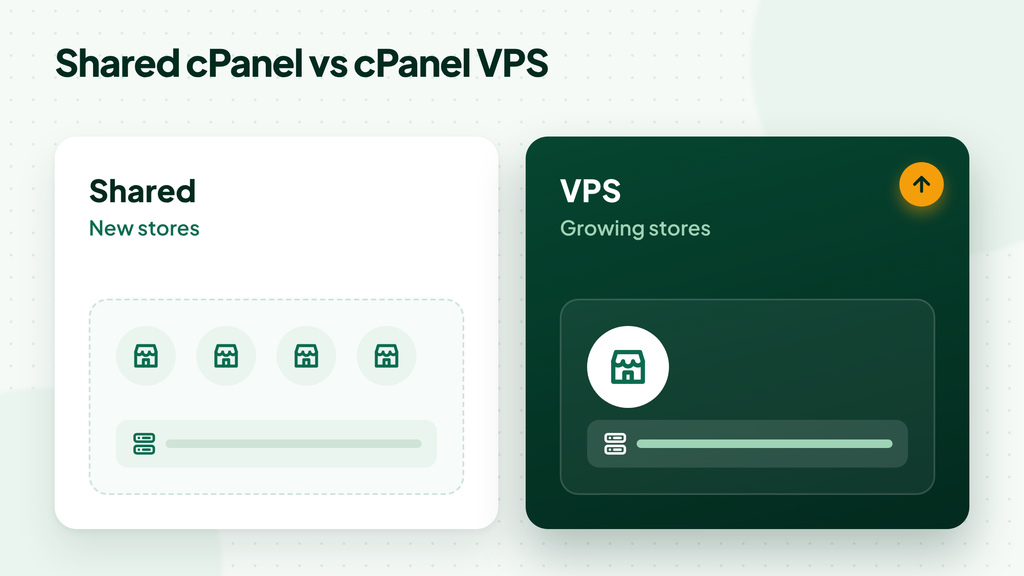
Shared cPanel hosting vs cPanel VPS for an online store: shared suits new stores, VPS suits growing stores
Start on shared hosting, move to a VPS when the store outgrows it.
Which Should You Choose?
Start with shared cPanel hosting for ecommerce if your store is new, your catalog is small and most traffic arrives at a steady pace. Move to a cPanel VPS when checkout slows during busy hours, you see resource-limit errors, or you plan regular sales campaigns.
Before you upgrade, read what to check before choosing a cPanel VPS, so you size the server for your store rather than guess.
How to Set Up an Online Store on cPanel Hosting
Set up an online store with cPanel hosting for ecommerce by securing the domain first, then installing the store, excluding checkout pages from cache and confirming your backups.
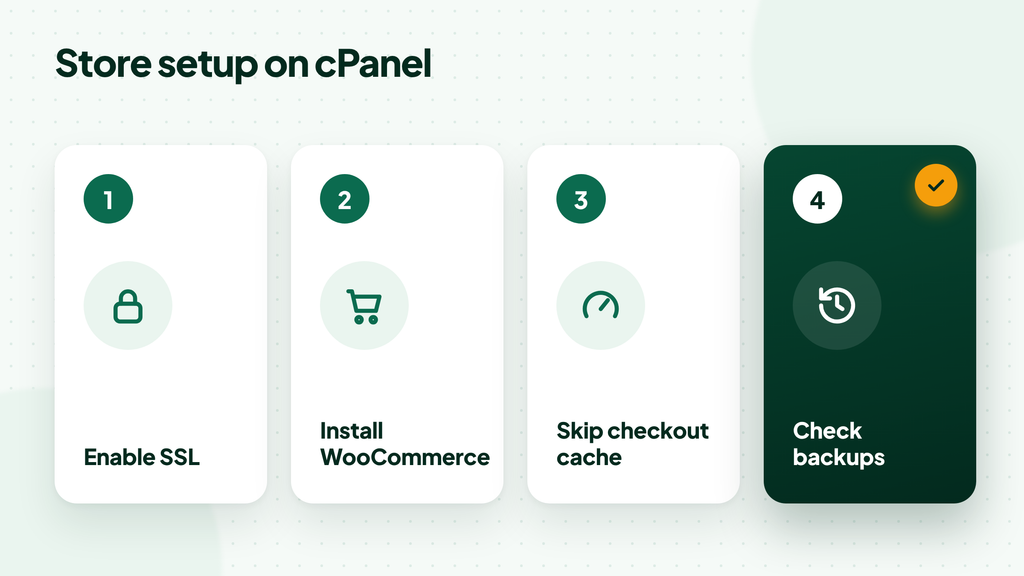
Steps to set up an online store on cPanel hosting: enable SSL, install WooCommerce, skip checkout cache and check backups
Four setup steps that prevent the most common launch problems, followed by a test order.
- Point your domain to the hosting and confirm the certificate is active under Security » SSL/TLS Status in cPanel.
- Install WordPress, then add WooCommerce from Plugins » Add New. Our guide shows how to install WordPress on cPanel.
- In your cache plugin, exclude the Cart, Checkout and My Account pages, as the WooCommerce caching guide advises.
- Check that scheduled backups are running, and download one full backup before launch.
- Place a test order and confirm the order email arrives in the inbox, not in spam.
Frequently Asked Questions
Can I run WooCommerce on shared cPanel hosting?
Yes. WooCommerce runs well on shared cPanel hosting for ecommerce, for new and smaller stores, as long as the plan offers a current PHP version, at least 256 MB of memory for WordPress, HTTPS and an uncached checkout.
Is cPanel hosting safe for taking payments?
Yes, cPanel hosting for ecommerce is safe for payments when you use HTTPS, two-factor login and a payment gateway that processes card details on its own servers. That way card numbers never pass through your hosting account.
When should an online store move from shared hosting to a VPS?
Move when checkout slows during busy hours, you see resource-limit errors, or your catalog and order volume keep growing. A cPanel VPS gives the store dedicated resources while you keep the same cPanel tools.
Do I need coding skills to run a store on cPanel?
No. You install the store from the WordPress dashboard or an app installer, and cPanel gives you simple screens for SSL, email, databases and backups. Coding only helps when you want custom features.
Can I move an existing store to cPanel hosting?
Yes. A store moves with its files, database and email, and most platforms keep working after the domain points to the new server. HostElevate offers free website migration if you prefer not to move it yourself.
Is cPanel Hosting the Right Choice for Your Store?

cPanel hosting for ecommerce is a practical choice for most new and growing stores: one dashboard covers SSL, email, databases and backups, and the main store platforms run on it without extra work. Check the PHP version, memory, backups and email setup before launch, keep the checkout uncached, and plan a VPS when traffic grows. To start with NVMe storage, LiteSpeed, free SSL and free website migration, see HostElevate cPanel hosting plans.