
Cloud VPS hosting is a virtual private server that runs on a pool of connected physical servers in a data center. A hypervisor gives you your own isolated slice of CPU, RAM, and storage, plus full control of the operating system. You get dedicated-style control without buying or maintaining hardware.
This guide is for website owners, developers, and agencies deciding between shared hosting and a VPS. You will learn how the technology works, how it compares with shared hosting, who benefits most, and what to check before you choose a provider. Each section answers one common question in plain language, so you can jump straight to what you need quickly.
Key takeaways
- A cloud VPS gives you an isolated virtual server with its own resources and operating system.
- It runs on a pool of connected physical servers, managed by virtualization software called a hypervisor.
- Compared with shared hosting, you get more control and isolation, but you also manage more yourself.
- Check root access, resources, backups, security, and support scope before you choose a provider.
- A simple site may not need a VPS, while growing sites, apps, and client projects often do.
What Is Cloud VPS Hosting and Why Does It Matter?
A cloud VPS is a virtual server that has its own operating system, CPU, RAM, and storage, and that runs on a network of connected physical machines instead of a single box. The “VPS” part means the server is private to you. The “cloud” part means the hardware underneath is pooled.
It matters because shared hosting puts many websites on one set of resources, so a busy neighbor can affect your site. A VPS separates your workload from other accounts and lets you install the software you need. That is why growing websites, custom applications, and agencies often move to a VPS.
Practical example: a freelancer hosts several client WordPress sites on one shared account. When one site gets a traffic spike, every site slows down. On a cloud VPS, the freelancer gets a defined set of resources, can tune the server for WordPress, and can keep client projects separate.
How Does Cloud VPS Hosting Work?
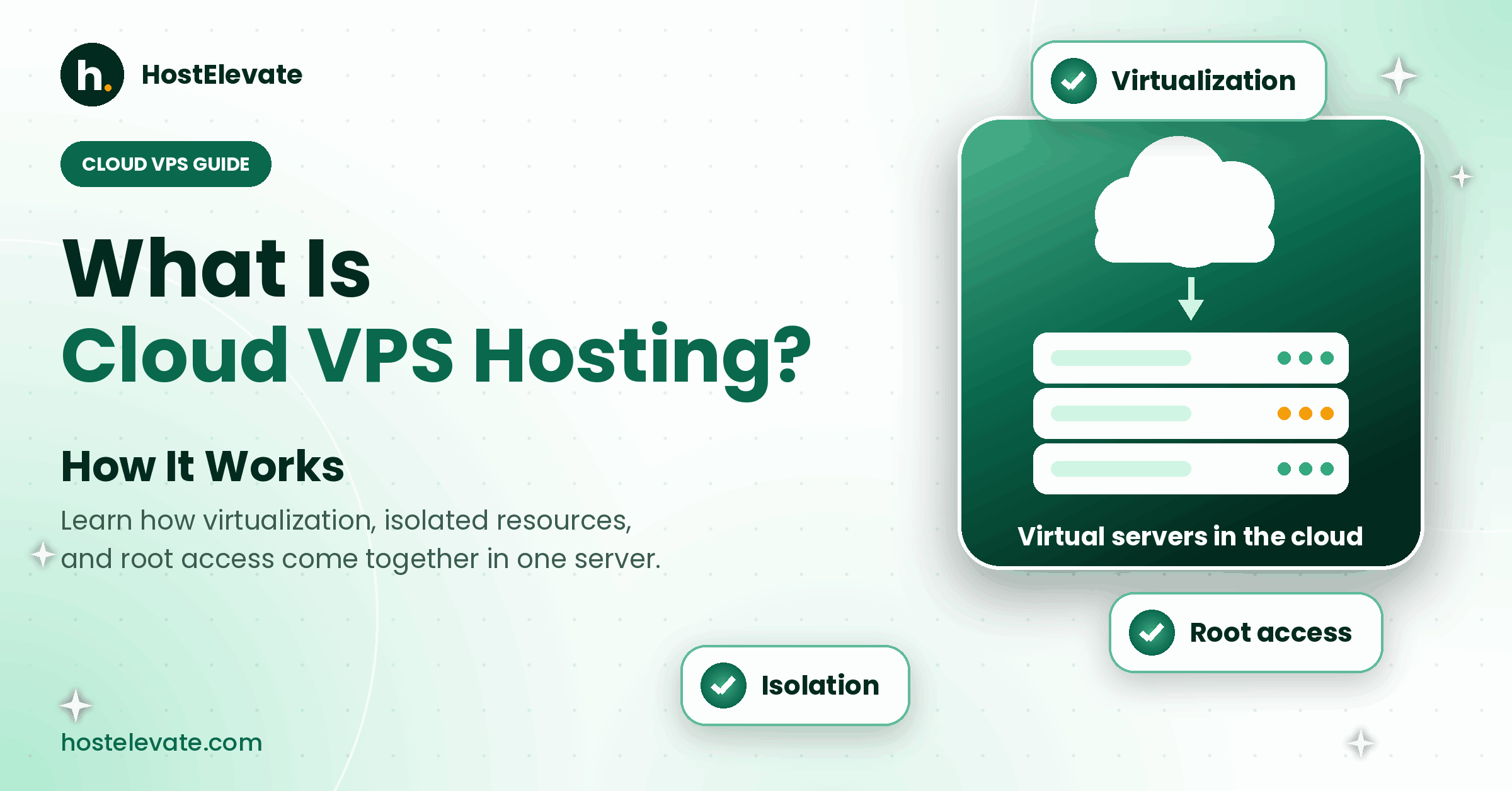
A cloud VPS works by using virtualization software to split pooled physical servers into many isolated virtual servers. Each virtual server runs its own operating system and behaves like a standalone machine.
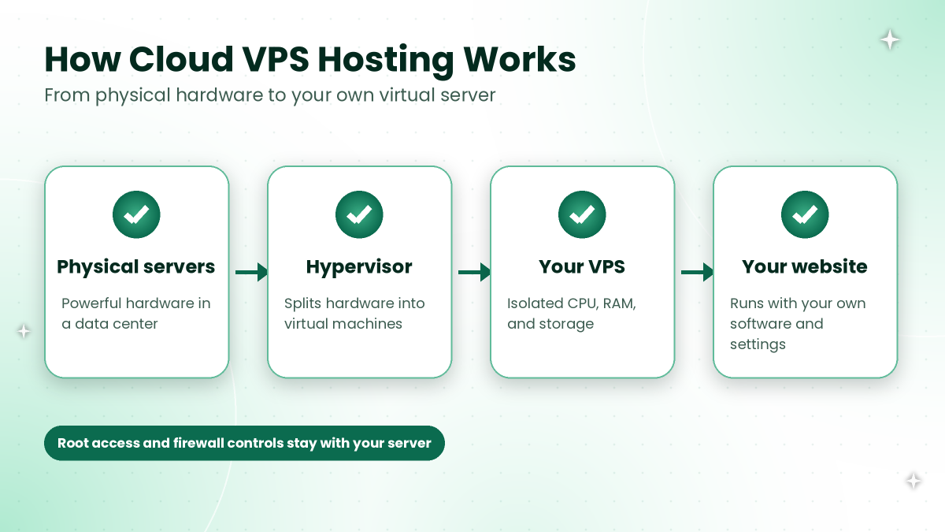
Physical servers become isolated virtual servers through a hypervisor.
Physical servers and the hypervisor
A hypervisor is the software layer that creates and runs virtual machines on physical hardware. KVM is one widely used open-source example. The hypervisor shares CPU, memory, and storage among virtual servers while keeping them separated from each other.
Resource allocation and isolation
Each VPS receives its own allocation of CPU, RAM, and disk space. Because the allocation belongs to your server, other customers’ workloads should not use your share. How strictly resources are reserved depends on the provider, so always ask how limits are applied.
Storage and networking
Your VPS stores its operating system and data on virtual disks, and it gets its own network connection and IP address. Storage type affects speed, which is why our guide to NVMe vs SSD hosting is worth reading before you compare plans.
Root access, operating system, and firewall
On a VPS you choose and manage the software. HostElevate VPS plans include full root access, a firewall, and DDoS protection, so you can configure services, install applications, and control who connects to your server.
How Is Cloud VPS Hosting Different From Shared Hosting and Traditional VPS?
Shared hosting shares one server among many accounts, a traditional VPS gives you a virtual server on a single physical host, and a cloud VPS gives you a virtual server on a pool of connected hardware. The table shows the practical differences.
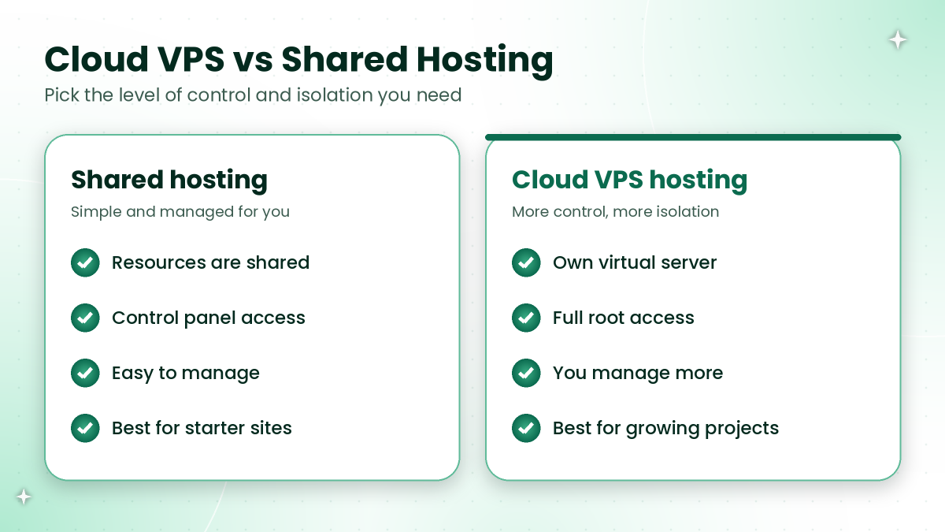
Cloud VPS compared with shared hosting.
| Feature | Shared hosting | Traditional VPS | Cloud VPS hosting |
| Server type | One server shared by many accounts | Virtual server on one physical host | Virtual server on pooled hardware |
| Isolation | Limited | Isolated virtual server | Isolated virtual server |
| Root access | Usually not included | Usually included | Usually included |
| Management | Mostly handled for you | You manage more | You manage more |
| Best for | Starter sites and blogs | Projects needing custom software | Growing sites, apps, and client projects |
Many cloud platforms can restart or move a virtual server to other hardware more easily than a single-host setup. Exact behavior depends on the provider, so ask what happens if a physical server has a problem.
Which Should You Choose?
- Choose shared web hosting if you run a simple site and want the provider to handle server tasks.
- Choose a VPS if you need root access, custom software, or separation from other accounts.
- Choose a cloud VPS if you expect growth and want a flexible, isolated server.
What Are the Benefits of Cloud VPS Hosting?
The main benefits of a cloud VPS are isolation, control, and room to grow. These are the ones that matter most in practice:
- Isolated resources: your CPU, RAM, and storage are separated from other accounts.
- Full control: root access lets you install and configure what your project needs.
- Flexibility: you can run websites, applications, databases, and containers on one server.
- Security controls: you decide firewall rules and who can connect.
- Growth path: you can move up from shared hosting without changing how your project works.
Who Should Use Cloud VPS Hosting?
A cloud VPS suits people who have outgrown shared hosting or need software that shared plans do not allow. Typical users include:
- Growing WordPress and WooCommerce stores that need more resources.
- Developers who run custom applications, APIs, or Docker containers.
- Agencies and freelancers who host several client sites.
- Teams that want to run cPanel and WHM on their own server.
If your site is a simple brochure page or small blog, shared hosting is usually enough. If you want cPanel and WHM on your own server, read our guide on choosing a cPanel VPS and compare cPanel VPS hosting.
What Should You Check Before Choosing Cloud VPS Hosting?
Before you choose, check root access, resources, storage, backups, security, operating system choices, and what the provider manages. Ask these questions about every plan.
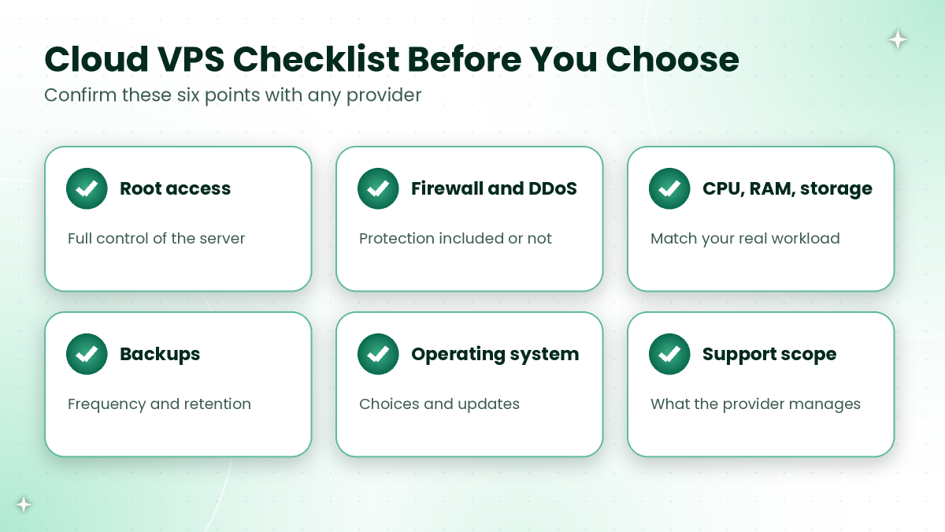
Checklist to confirm before you choose a cloud VPS.
| Check | What to ask |
| Root access | Do you get full root access through SSH? |
| Resources | How much CPU, RAM, and storage is included, and can you upgrade later? |
| Security | Is a firewall and DDoS protection included? |
| Backups | How often are backups made, and where are they stored? |
| Operating system | Which operating systems are offered, and who updates them? |
| Support scope | What does the provider manage, and what is your job? |
| Moving in | Is migration help available for your existing site? |
If you plan to run cPanel, confirm that the operating system is supported by checking the cPanel system requirements. If you already have a website, HostElevate offers free website migration, so you do not have to move files, databases, and email alone.
What Are Common Cloud VPS Hosting Problems and How Do You Fix Them?
Most VPS problems come from sizing, security, or missing backups. This table lists the common ones.
| Problem | Likely cause | Fix |
| Site feels slow | Too little RAM or CPU for the workload | Check resource usage, then upgrade or optimize the software. |
| Unexpected logins | Weak passwords or open ports | Use SSH keys, strong passwords, and firewall rules. |
| Lost data after a mistake | No backup or backups on the same server | Keep regular backups stored away from the server. |
| Software will not install | Unsupported operating system | Check the software requirements before choosing the OS. |
Frequently Asked Questions
What is cloud VPS hosting in simple words?
A cloud VPS is a private virtual server that runs on connected physical servers. You get your own operating system and resources, plus root access, without buying or maintaining any hardware yourself.
Is cloud VPS hosting better than shared hosting?
It gives you more control and isolation, but you also manage more. Shared hosting is easier for simple sites, while a VPS suits growing projects, custom software, and agencies hosting client sites.
Do I need technical skills to use a cloud VPS?
Basic server skills help, because you manage the operating system and software. If you prefer a control panel, you can run cPanel and WHM on a supported VPS, which makes everyday tasks easier.
Can I run cPanel on a cloud VPS?
Yes, if the operating system is supported by cPanel and WHM and the plan allows it. Check the current cPanel system requirements before you order, so installation and updates work as expected.
Can I move my existing website to a cloud VPS?
Yes. You can move your files, databases, and email to a new server. HostElevate offers free website migration, so you can ask the team to handle the move for you.
Is Cloud VPS Hosting Right for You?
A cloud VPS is a good fit when you need your own resources, root access, and room to grow, and when you are comfortable managing a server or choosing a managed option. To see what is available, explore HostElevate’s VPS hosting plans and pick the setup that matches your project.